
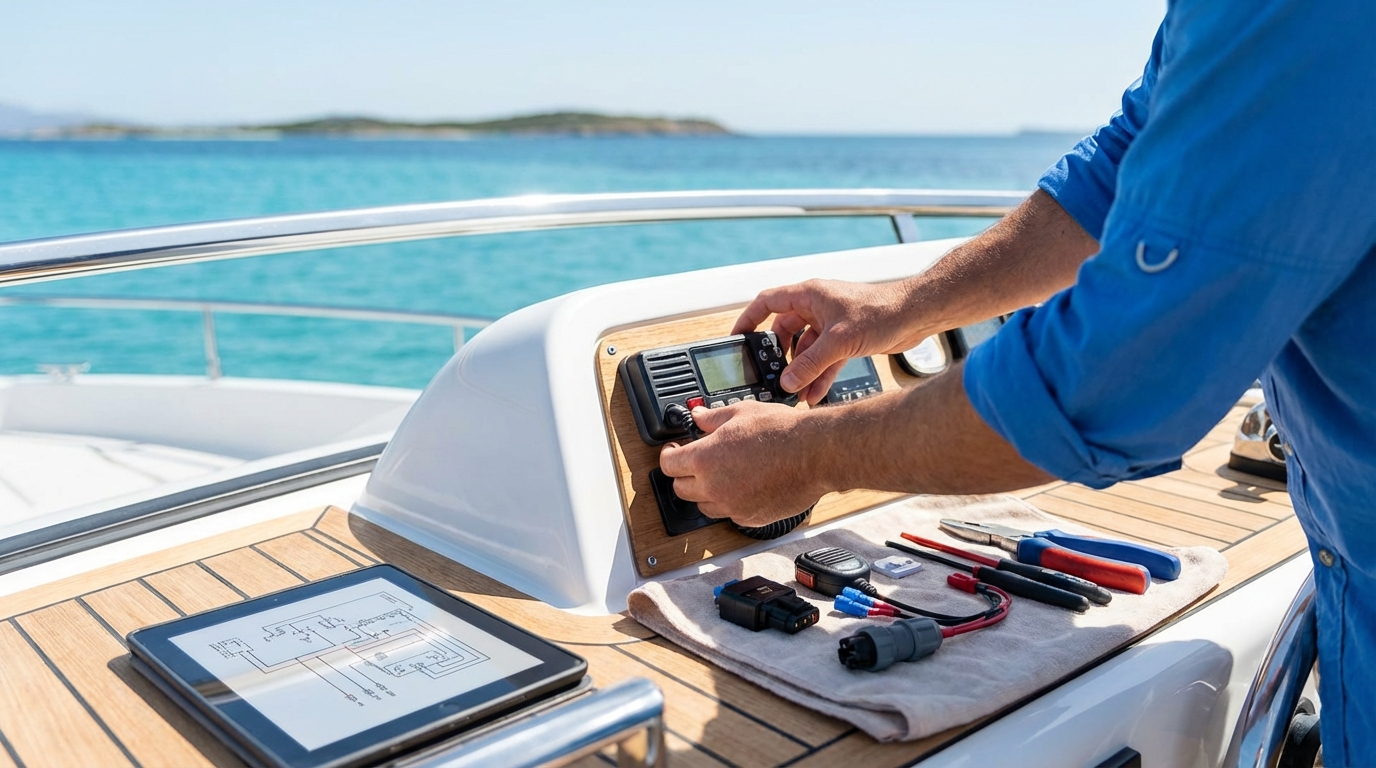
A black box marine VHF radio is a modular communication system where the main transceiver is hidden away, leaving only a compact handset on your dashboard. This setup solves the problem of cluttered helms while providing the full power and range of a traditional fixed-mount unit. You get all the essential features like Digital Selective Calling (DSC), GPS integration, and AIS monitoring without sacrificing valuable mounting surface.
Key Takeaways
- Space efficiency is the primary reason to choose a black box system for modern glass cockpits.
- Remote handsets provide full control of the radio from multiple locations on the vessel.
- Integrated GPS and AIS modules reduce the need for extra external sensors.
- NMEA 2000 connectivity allows the radio to share critical data with your chartplotters.
- Hidden installation protects the main electronics from direct exposure to the elements.
- Multi-station support enables communication between different areas of the boat like the flybridge and salon.
Define the Modular Black Box Marine VHF Radio
A black box marine VHF radio consists of a central processor unit mounted in a hidden location and controlled via remote handsets. Unlike standard radios that have a screen and buttons on the main chassis, these units are “headless.” You interact with the system through a corded or wireless handset that contains the display, microphone, and all necessary controls. This modular approach is common in high-end yachting and professional fishing where dashboard space is limited.
Black Box Marine VHF Radios

Icom IC-M400BB VHF Marine Transceiver – Fixed Mount with Black Command Mic
Icom IC-M400BB VHF Marine Transceiver – Fixed Mount with Black Command Mic
VIEW LATEST PRICE
VHF Marine Radio,DSC, AIS-RX,Link-9, Beige
VHF Marine Radio,DSC, AIS-RX,Link-9, Beige
VIEW LATEST PRICE
Icom M94D 21 USA VHF Marine Transceiver with DSC & AIS Receiver
Icom M94D 21 USA VHF Marine Transceiver with DSC & AIS Receiver
VIEW LATEST PRICEThe architecture of these systems focuses on minimalism at the helm. You can mount the heavy, heat-generating base unit inside a locker or under the console. This protects the core electronics from salt spray and physical damage. Many of these units also support best fixed mount vhf marine radio features such as high-wattage output and dual-watch monitoring while maintaining a sleek aesthetic.
Core Components of a Black Box System:
- Main Transceiver: The central “brain” that handles signal processing.
- Control Handset: The interface used by the captain to change channels and settings.
- Remote Speaker: An external audio output since the base unit is hidden.
- Extension Cables: Specialized wiring that connects the handset to the base unit over long distances.
Save Dashboard Space with Hidden VHF Modules
Hidden VHF modules allow you to reclaim several square inches of dashboard real estate for larger chartplotters or sonar displays. In the current era of “glass bridge” designs, every inch of the helm is valuable. A traditional fixed-mount radio requires a large rectangular cutout that might prevent you from upgrading to a 12-inch or 16-inch screen. By using a black box unit, you only need to drill a small hole for the handset plug.
This setup also improves the ergonomics of your cockpit. You can place the handset exactly where your hand naturally rests, rather than reaching across the dash to change a channel. Many boaters find that a vhf marine radio buying guide helps them realize that modular units are the future of clean helm design.
| Helm Type | Traditional Radio Impact | Black Box Radio Impact |
|---|---|---|
| Center Console | Crowds the dash; limits screen size. | Low profile; allows for dual MFDs. |
| Flybridge | Exposed to sun/rain; fades screen. | Handset is easily stowed or covered. |
| Cabin/Salon | Can look bulky on wood finishes. | Discrete; only the handset is visible. |
| Rib/Tender | Hard to find flat mounting space. | Base unit fits inside dry storage pods. |
Coordinate Multi-Station Control Systems
Multi-station black box systems enable you to control one radio from several different locations on your boat simultaneously. Most high-end black box units support up to three or four remote handsets. This is particularly useful for vessels with both an upper and lower helm. You do not need to buy two separate radios; you simply buy one base unit and two handsets.
These systems also act as an onboard intercom. You can call the handset in the galley from the flybridge to coordinate docking or meal times. This internal communication does not transmit over the airwaves, keeping your private conversations off the public channels. If you are looking for more mobile options, you might also consider the best marine vhf radio handheld for deck crew use.
Common Multi-Station Features:
- Intercom Mode: Dedicated button to talk between handsets.
- Priority Control: The primary helm can take over the radio from secondary stations.
- Independent Volume: Each handset station has its own audio level settings.
- Wireless Expansion: Some units support Bluetooth or proprietary 2.4GHz wireless handsets.
Integrate Black Box Radios with NMEA 2000 Networks
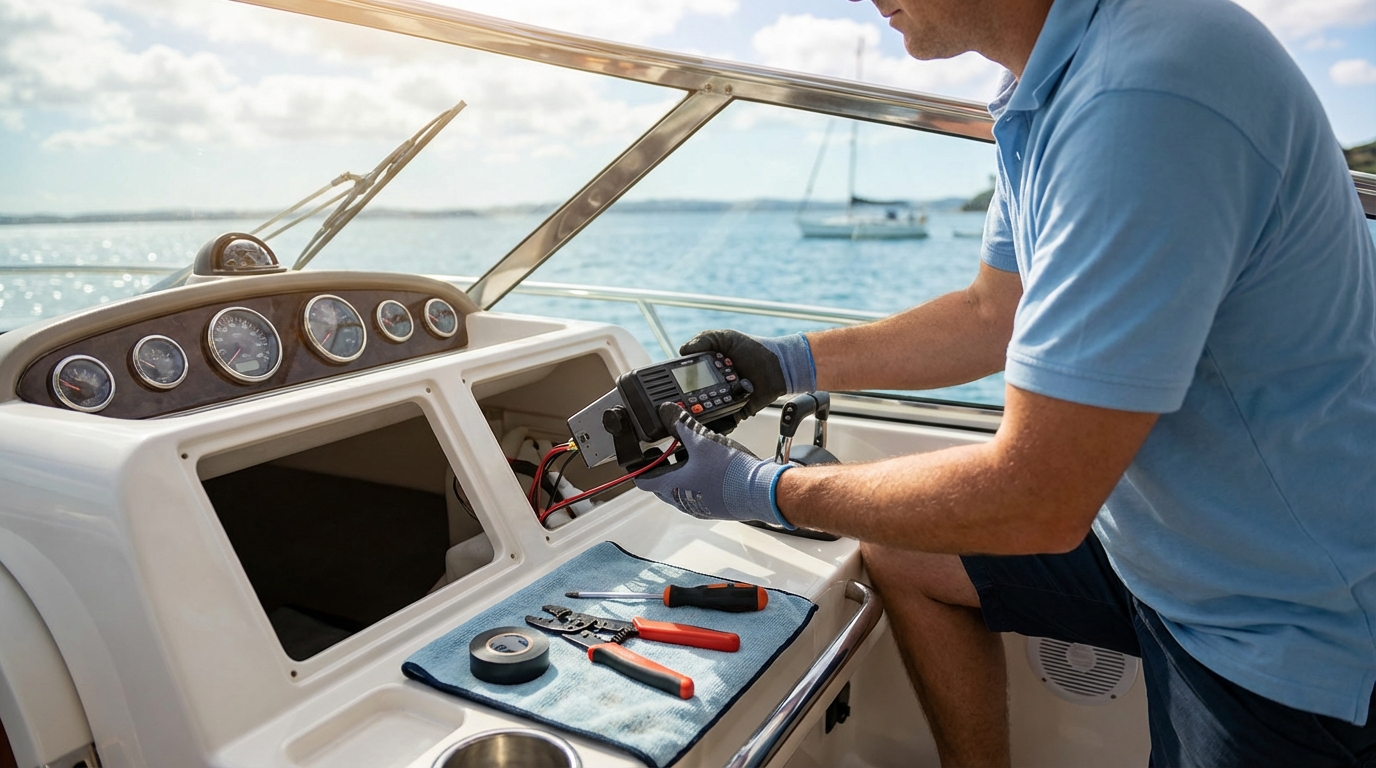
Modern black box VHF radios use NMEA 2000 (N2K) connectivity to share location, AIS, and DSC data with your boat’s existing electronics. NMEA 2000 is a “plug and play” networking standard that uses a single cable to transfer data between different brands of equipment. When your radio is on the network, it can pull GPS coordinates from your main chartplotter rather than needing its own dedicated antenna.
This integration is vital for safety. If you initiate a DSC distress call, your radio needs to know exactly where you are to transmit those coordinates to the Coast Guard. According to a VHF radio setup guide, proper networking ensures that your GPS position is updated in real-time. Without this connection, your radio’s emergency features are significantly limited.
Data Shared Over NMEA 2000:
- GPS Latitude/Longitude: Essential for Digital Selective Calling.
- AIS Target Data: Displays nearby ships on your chartplotter screen.
- Time and Date: Automatically syncs your radio clock with satellite time.
- DSC Alerts: Shows the location of a calling vessel on your map.
Select Features Like AIS and DSC
Digital Selective Calling (DSC) and Automatic Identification System (AIS) are the two most important features to look for in a black box marine VHF radio. DSC acts as a digital “mayday” button that sends your identity and location to rescue authorities. AIS, on the other hand, allows you to “see” other vessels on your screen even in fog or darkness. Some black box units are “AIS Receive” only, while more expensive versions are “AIS Transmit” (Class B).
Selecting a unit with a built-in AIS receiver simplifies your installation. Instead of installing a separate AIS box and a second antenna, the black box radio handles everything through your main VHF antenna. This is a massive advantage for smaller boats where mounting multiple antennas is difficult. Using these features correctly is part of using a vhf marine radio effectively for safety.
Key Technical Specifications to Compare:
- Receiver Sensitivity: Measured in microvolts (µV); lower is better for long-range reception.
- Waterproof Rating: Look for IPX7 or IPX8 for handsets mounted in open cockpits.
- Audio Output: Measured in Watts; 5W or higher is better for noisy engine environments.
- Power Consumption: Essential for sailboats or boats with limited battery banks.
Install a Black Box VHF Radio System
Installing a black box VHF radio requires you to mount the base unit in a dry, ventilated location and run cables to your handset stations. The base unit generates heat during transmission, so avoid stuffing it into a tiny, airtight box. Most manufacturers recommend mounting the unit vertically on a bulkhead. This orientation allows heat to rise away from the internal circuit board.
The most challenging part of the installation is routing the handset extension cables. These cables have multi-pin connectors that are larger than the wire itself. You will need to drill holes of approximately 0.75 inches to pass these connectors through bulkheads. Ensure you use rubber grommets to protect the cables from chafing against fiberglass or metal edges. For specific wiring diagrams, refer to the RS90S Blackbox VHF Quick Start Guide for a visual walkthrough of the process.
Installation Steps:
- Select a Mounting Site: Find a dry area within 3 feet of a power source.
- Mount the Transceiver: Use stainless steel screws to secure the box to a bulkhead.
- Run the Handset Cable: Route the cable from the dash to the base unit.
- Connect the Antenna: Use high-quality RG-58 or RG-8X coaxial cable.
- Wire the Power: Connect directly to your 12V DC fuse panel with a 10A fuse.
- Test SWR: Use an SWR meter to ensure your antenna connection is efficient.
Compare Black Box Units to Traditional Radios
While black box units offer aesthetic and space benefits, they differ from traditional fixed-mount radios in price and hardware complexity. Traditional radios are often more affordable because they are self-contained units. They are also easier to replace in an emergency since you only have to swap one box. However, black box units are superior for dual-helm boats or those with highly customized dashboards.
Traditional radios are often limited in their networking capabilities compared to high-end modular systems. Many budget fixed-mount units only offer NMEA 0183, which is a slower and more difficult wiring protocol. Black box units almost universally support NMEA 2000, making them the better choice for modern integrated systems. You can read more about these differences in marine vhf radio reviews.
| Feature | Traditional Fixed Mount | Black Box Modular |
|---|---|---|
| Visibility | Large screen on dash | Hidden base; small handset screen |
| Installation | Simple cutout | Complex cable routing |
| Multi-Station | Rarely supported | Standard feature |
| Durability | Exposed to weather | Protected in lockers |
| Cost | $150 – $400 | $600 – $1,200+ |
| Aesthetics | Can look dated | Modern and clean |
Mount Antennas for Maximum Signal Range
The performance of your black box marine VHF radio is almost entirely dependent on the height and quality of your antenna. VHF radio signals travel in a “line of sight” pattern. This means that the higher your antenna is mounted, the further you can communicate. A 25-watt radio with a poorly mounted antenna will perform worse than a 5-watt radio with a clear line of sight.
You must also consider the “gain” of your antenna, measured in decibels (dB). A 6dB antenna is standard for most powerboats, as it provides a balanced signal pattern that works well even when the boat is rocking. Sailboats often use 3dB antennas at the top of the mast because they have a wider vertical signal spread, which is necessary when the boat is heeling. Understanding the physics of how to use a vhf radio includes knowing your equipment’s physical limitations.
Antenna Mounting Best Practices:
- Height is King: Every foot of height adds significantly to your horizon distance.
- Clearance: Keep the antenna at least 3 feet away from other metal objects or antennas.
- Connectors: Use PL-259 connectors with gold-plated pins to prevent corrosion.
- Sealing: Use self-amalgamating tape or heat-shrink tubing on all outdoor connections.
Program DSC and MMSI Numbers Correctly
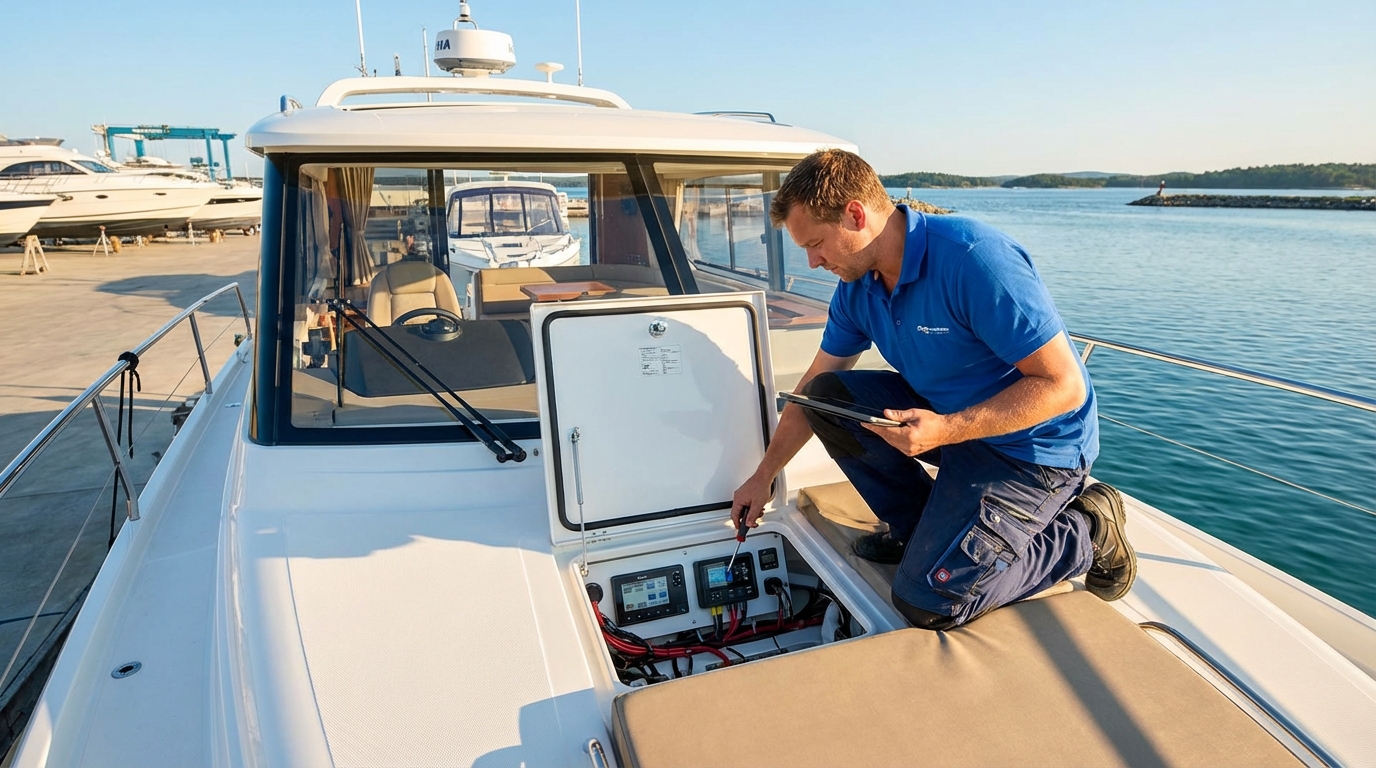
Programming your Maritime Mobile Service Identity (MMSI) number into your black box radio is a critical step that you must perform before the unit is fully functional. An MMSI is a unique nine-digit number that identifies your vessel. When you press the red “Distress” button, the radio transmits this number so rescuers know who you are and what your boat looks like.
In the United States, you can obtain an MMSI number through organizations like BoatUS or the FCC. Be careful when entering the number; most radios only allow you to enter it twice before the unit locks and requires a factory reset. This is a security measure to prevent people from changing vessel identities. Proper marine communication relies on accurate identification and registration.
MMSI Setup Checklist:
- Obtain Number: Register your boat and get your 9-digit code.
- Enter Menu: Navigate to the DSC settings on your handset.
- Double Check: Verify every digit before hitting “Save.”
- Test Call: Perform a “DSC Test Call” to a nearby station (do not use Channel 16 for testing).
- Update Info: Ensure your contact information is current in the national database.
Maintain Your Marine Communication Hardware
Maintaining a black box VHF radio requires focusing on the connection points between the hidden unit and the visible handsets. Because the base unit is tucked away, it is easy to forget about it. However, moisture can still collect in lockers, leading to corrosion on the power terminals and antenna jacks. You should inspect these connections at least once per season.
Handsets are the most vulnerable part of the system. They are dropped, stepped on, and exposed to direct sunlight. Most black box handsets use a coiled “pigtail” cord that can lose its elasticity over time. If the cord becomes brittle, it may crack, allowing water to enter the internal wiring. If you prefer a more portable backup, look into the best handheld vhf marine radio with gps to keep in your ditch bag.
Annual Maintenance Tasks:
- Dielectric Grease: Apply a small amount to the handset pins to block moisture.
- Vacuum: Remove dust and salt crystals from the transceiver’s cooling fins.
- Cable Check: Look for “green death” (copper corrosion) inside the wire jackets.
- Software Updates: Check the manufacturer’s website for firmware patches that improve NMEA 2000 stability.
Troubleshoot Common Black Box Connectivity Issues
Troubleshooting a black box marine VHF radio usually involves checking the integrity of the data cables and the power supply. Because the system is modular, a failure in one component (like the handset) doesn’t necessarily mean the whole radio is broken. If the handset screen won’t turn on, start by checking the fuse on the main transceiver’s power lead.
If you can hear transmissions but cannot reply, the issue is likely with the antenna or the microphone circuit in the handset. A common problem with black box units is “handset not found” errors, which are usually caused by bent pins in the extension cable connectors. Always align the pins carefully before pushing the connector into the socket. For more help, consult guides on using marine radios in high-interference areas.
Troubleshooting Scenarios:
| Symptom | Potential Cause | Solution |
|---|---|---|
| Handset is Blank | Blown fuse or loose cable. | Check 10A fuse; reseat handset plug. |
| No GPS Position | NMEA 2000 network power is off. | Turn on the N2K bus power switch. |
| Static on All Channels | Loose antenna PL-259 connector. | Tighten the collar on the back of the base unit. |
| “Low Battery” Warning | Voltage drop on thin power wires. | Upgrade power leads to 14AWG or 12AWG. |
| Intercom Not Working | Secondary handset not assigned. | Set handset ID in the system menu. |
Optimize Your Helm with Hidden Electronics
Choosing a black box marine VHF radio is the best way to achieve a clean, professional helm without compromising on safety or features. By moving the bulky electronics behind the scenes, you create more space for high-resolution displays and improve the overall aesthetics of your boat. These systems are durable, expandable, and integrate perfectly with modern NMEA 2000 networks.
VHF Radio (Marine Guide) has seen the industry shift toward these modular systems over the last few years. As boaters demand more data and larger screens, the traditional “brick” radio is becoming a relic of the past. Investing in a quality black box system today ensures your boat is ready for the next decade of marine electronic advancements. Whether you are navigating a busy commercial harbor or a quiet coastal inlet, your communication will remain clear and your dashboard will remain uncluttered.
📅 Last updated: