
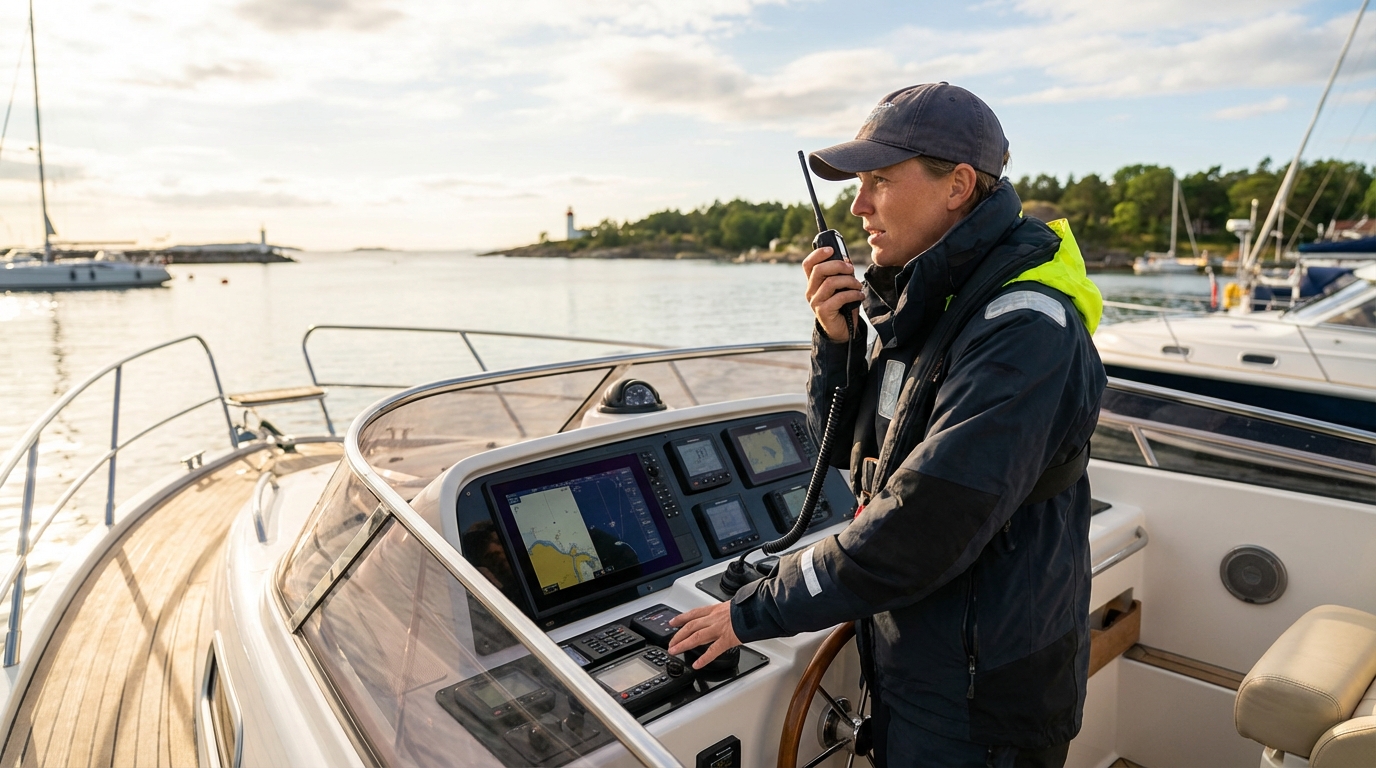
To use a VHF marine radio, you must turn the unit on, adjust the squelch to eliminate background static, monitor Channel 16, and use the Push-to-Talk (PTT) button to transmit clear, concise messages. Effective operation involves selecting specific channels for distress, hailing, or ship-to-ship talk while adhering to strict maritime protocols and etiquette. Whether you are navigating through busy channels or enjoying a peaceful day on the lake, a fixed mount VHF radio remains your most reliable link to the Coast Guard and neighboring vessels. Understanding the nuances of power settings, channel assignments, and Digital Selective Calling (DSC) ensures you can communicate effectively in both routine and emergency situations.
Key Takeaways
- Monitor Channel 16 constantly to hear distress calls and official safety broadcasts from the Coast Guard or other vessels.
- Adjust the squelch control just until the static disappears to ensure you can hear weak signals without constant background noise.
- Use 1-watt low power for ship-to-ship communication in close proximity to prevent drowning out signals from distant stations.
- Register your MMSI number and connect your radio to GPS to enable life-saving Digital Selective Calling (DSC) distress features.
- Limit transmissions to the essentials by using standard pro-words like “Over,” “Out,” and “Roger” to keep airwaves clear for others.
- Identify your vessel clearly using your boat name or call sign at the beginning and end of every transmission.
Identify the Core Components of Your VHF Radio
The primary components of a VHF marine radio include the power/volume knob, the squelch control, the channel selector, and the Push-to-Talk (PTT) button on the microphone. Most modern units also feature a dedicated “16/9” button for instant access to hailing channels and a protected “Distress” button for DSC alerts. Understanding these physical controls is the first step in learning how to use a VHF radio on a boat effectively during your excursions.
VHF Marine Radio Equipment

Uniden UM435 Advanced Fixed Mount VHF Marine Radio, All USA/International/Canadian Marine Channels Including New 4-Digit, CDN “B” Channels, 1 Watt/25 Watt Power, Waterproof IPX8 Submersible, White
Uniden UM435 Advanced Fixed Mount VHF Marine Radio, All USA/International/Canadian Marine Channels…
VIEW LATEST PRICE
Uniden UM725 Marine VHF Radio, All USA, Canada, and Int’l. Marine Channels, 1Watt/25Watt Transmit Power, Largest LCD Screen in Class, NOAA Weather Channels w/Alerts, Speaker Mic, IPX8 Waterproof.
Uniden UM725 Marine VHF Radio, All USA, Canada, and Int’l. Marine Channels,…
VIEW LATEST PRICE![Standard Horizon GX1410W Eclipse Series 25W Fixed Mount VHF - White [GX1410W]](https://m.media-amazon.com/images/I/411mn2H7e-L._SL500_.jpg)
Standard Horizon GX1410W Eclipse Series 25W Fixed Mount VHF – White [GX1410W]
Standard Horizon GX1410W Eclipse Series 25W Fixed Mount VHF – White [GX1410W]
VIEW LATEST PRICE- Power/Volume Knob: This dial turns the unit on and sets the audio level for the internal speaker.
- Squelch Control: This filter suppresses the constant “white noise” or static of the radio spectrum.
- Channel Selector: Usually a rotary knob or up/down buttons, this changes the frequency you are monitoring.
- PTT Button: Located on the side of the hand microphone, you must hold this down to speak and release it to listen.
- Display Screen: This shows your active channel, power setting (Hi/Lo), and often your GPS coordinates if integrated.
Each component serves a specific purpose in maintaining clear communication. For example, if you set the volume too low, you might miss a faint distress call. Conversely, if the squelch is set too high, the radio will only play audio from very strong, nearby signals, effectively “deafening” you to vessels further away. Proper calibration of these four main controls should become second nature before you leave the marina.
Perform a Pre-Departure Radio Check Correctly
A proper radio check confirms your equipment is transmitting and receiving clearly before you leave the dock. You should never perform a radio check on Channel 16, as this interferes with emergency monitoring; instead, use Channel 09 or a designated local “automated radio check” channel. If you are using a fixed mount VHF marine radio, a successful check ensures your antenna and power supply are functioning under load.
| Step | Action | Description |
|---|---|---|
| 1 | Select Channel 09 | Switch away from the emergency hailing channel (16). |
| 2 | Set Power to High | Ensure you are testing the full 25-watt capability of your radio. |
| 3 | State Vessel Name | Say: “Radio check, radio check. This is the [Vessel Name] in [Location].” |
| 4 | Listen for Reply | Wait for a nearby boater to respond with “Loud and Clear” or “Read you five-by-five.” |
| 5 | Acknowledge | Briefly thank the responder: “Roger, [Vessel Name] standing by on 16. Out.” |
In many popular boating areas, sea tow services or local marinas maintain automated systems. You transmit your request on a specific channel (often 24, 26, 27, or 28), and the system records your voice and plays it back to you. This allows you to hear exactly how you sound to others, helping you identify issues with microphone clarity or antenna interference. Consistently performing this check helps you catch hardware failures before they become safety hazards in open water.
Select the Right Channel for Your Situation
Selecting the correct VHF channel involves matching your communication purpose to the frequencies designated by international and local maritime authorities. Marine VHF operates on a set of standardized channels, each with a legally mandated use case to prevent cross-talk and confusion. Knowing which channel to use is a fundamental skill for any properly used marine VHF radio setup.
- Channel 16 (Distress, Safety, and Hailing): The most important channel. Use it to call the Coast Guard or to catch the attention of another vessel before moving to a working channel.
- Channel 09 (Secondary Hailing): Often used in busy areas to reduce congestion on Channel 16. It is the primary channel for recreational boaters to contact each other in many US waters.
- Channel 13 (Bridge-to-Bridge): Used by commercial vessels for navigation safety. Use this to communicate with bridge tenders or tugboats regarding passing maneuvers.
- Channel 22A (Coast Guard Liaison): After contacting the Coast Guard on Channel 16, they will often ask you to “switch and answer 22 Alpha” for non-emergency assistance or information.
- Channels 68, 69, 71, 72 (Working Channels): These are “non-commercial” channels where recreational boaters can have extended conversations about fishing spots or dinner plans.
You must remember that “monitoring” and “talking” are different. You should always monitor Channel 16. However, once you have established contact with another boat on 16 or 09, you must immediately move to a working channel like 68 or 72. Staying on Channel 16 for a casual conversation is a violation of FCC rules and can result in significant fines or interference with a life-saving rescue operation.
Follow Standard Radio Communication Protocols
Standard radio communication protocols use specific phrases and the phonetic alphabet to ensure clarity over potentially noisy or distorted frequencies. Because VHF radio is “half-duplex”—meaning only one person can speak at a time—the use of “pro-words” prevents people from talking over each other. Using these protocols identifies you as a disciplined and capable mariner.
Common Marine Pro-words:
- “Over”: I have finished speaking and am waiting for your reply.
- “Out”: I have finished the conversation and am ending the transmission. (Never say “Over and Out”).
- “Roger”: I have received and understood your last transmission.
- “Say Again”: Please repeat your last transmission.
- “Standing By”: I am monitoring the channel but am not actively talking.
The phonetic alphabet is essential when spelling out boat names, locations, or MMSI numbers. If you are reporting your position in a foggy bay, saying “Alpha Bravo” is much clearer than “A B,” which could be misheard as “D E” through static.
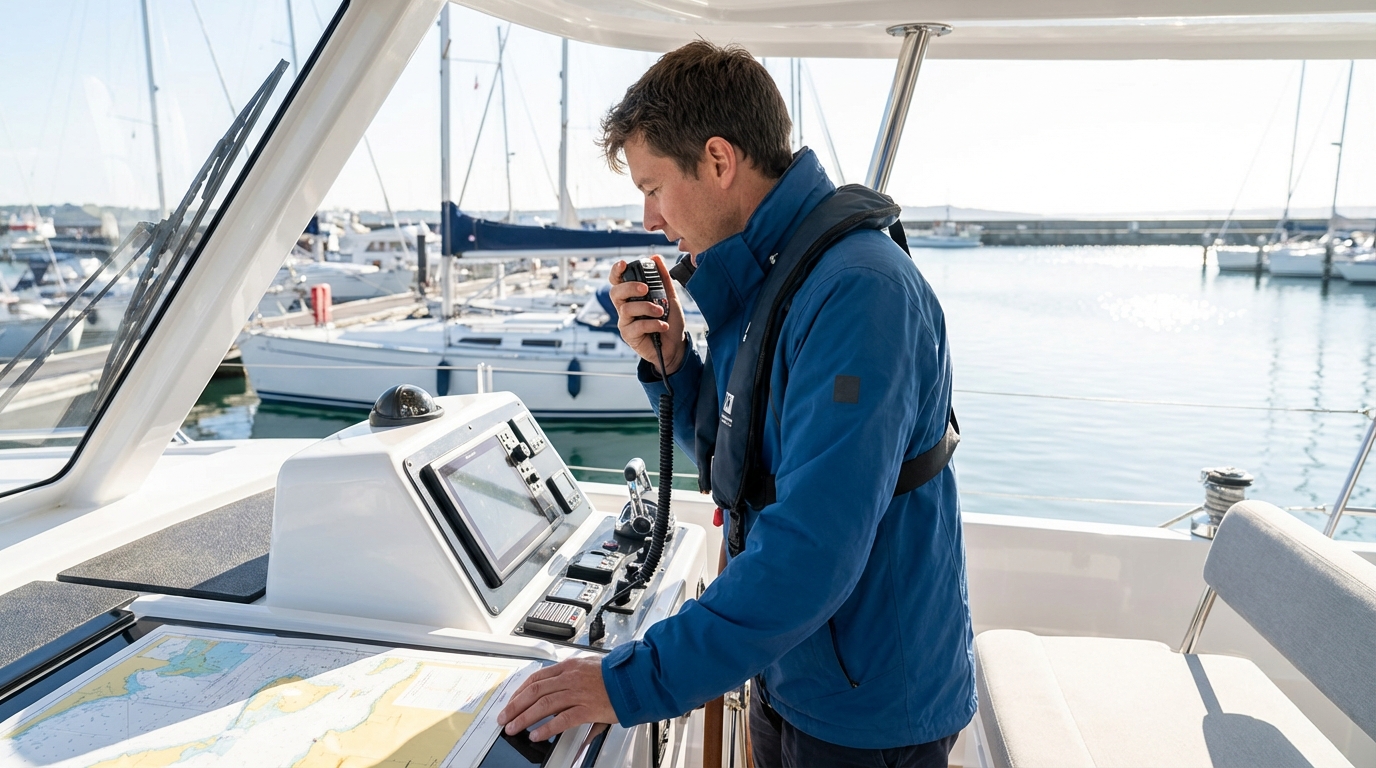
- A – Alpha
- B – Bravo
- C – Charlie
- D – Delta
- M – Mike
- N – November
- S – Sierra
- T – Tango
Always keep your transmissions short. Think about what you want to say before you press the PTT button. A good rule of thumb is the “5-second rule”: if your message takes longer than five seconds, you should probably find a way to condense it or wait for a clearer window of time.
Issue Mayday, Pan-Pan, and Securite Emergency Calls
Emergency calls are categorized into three levels of urgency: Mayday for life-threatening distress, Pan-Pan for urgent but not immediate danger, and Securite for safety warnings. Knowing the difference allows you to summon the appropriate level of help without unnecessarily triggering a massive search and rescue response. These calls are always initiated on Channel 16.
The Mayday Call (Distress)
Use Mayday only when there is immediate danger to life or the vessel (e.g., sinking, fire, or severe medical emergency).
- Format: State “Mayday” three times.
- Identification: State your vessel name and call sign once.
- Position: Give your latitude/longitude or a clear bearing from a known landmark.
- Nature of Distress: Briefly explain the problem (e.g., “Taking on water”).
- Number of Persons: Total count of people on board.
- Vessel Description: Length, hull color, and type.
The Pan-Pan Call (Urgency)
Use Pan-Pan (pronounced “pahn-pahn”) when you have an urgent problem that is not yet life-threatening, such as a lost engine in a shipping lane or a non-critical medical issue. It signals to other boats that they should stay off the radio and listen, but it does not carry the same weight as a Mayday.
The Securite Call (Safety)
Use Securite (pronounced “say-cure-it-tay”) to broadcast navigation safety information. This is commonly used by large ships or the Coast Guard to warn about a floating log, a broken buoy, or an approaching storm. If you see a significant hazard to navigation, you can issue a Securite call to warn your fellow boaters.
Operate Digital Selective Calling (DSC) Features
Digital Selective Calling (DSC) is a semi-automated communication system that allows you to send a digital “ping” to other radios, including an instant distress alert that shares your GPS coordinates. To make DSC functional, you must obtain a Maritime Mobile Service Identity (MMSI) number and program it into your radio. Learning how to use DSC VHF radio is arguably the most important safety skill for modern boaters.
Key Benefits of DSC:
- Instant Distress: Pressing the red button for three seconds sends an automated Mayday with your exact location to the Coast Guard and all nearby vessels.
- Private Calling: You can “ring” a friend’s radio directly using their MMSI number without broadcasting a “hail” to everyone on Channel 16.
- GPS Integration: Most DSC radios display your current coordinates, which is vital when reporting your position during an emergency.
- Position Request: You can request the GPS location of another vessel (if they have DSC enabled), making it easier to find your fishing buddies or flotilla members.
If you purchase a handheld VHF marine radio, ensure it has built-in GPS for DSC functionality. Without GPS integration, the radio will send a digital alert, but the Coast Guard will not know where you are. In the United States, you can obtain a free MMSI number through BoatUS or the United States Power Squadrons if you plan to stay in domestic waters. For international travel, you must obtain one through the FCC.
Understand Power Settings: 1 Watt vs. 25 Watts
Marine VHF radios allow you to toggle between low power (1 watt) and high power (25 watts) to manage range and battery consumption. High power is necessary for reaching the Coast Guard or boats over the horizon, but low power is the legal and ethical choice for close-range communication. Using high power when unnecessary causes “signal bleed” that can block communications on the same channel dozens of miles away.
| Power Setting | Wattage | Typical Range | Best Use Case |
|---|---|---|---|
| Low | 1 Watt | 1–5 Miles | Docking, talking to a boat in your slip, bridge tenders. |
| High | 25 Watts | 15–25 Miles | Distress calls, contacting the Coast Guard, open sea hailing. |
VHF radio operates on “line of sight” frequencies. This means the height of your antenna is often more important than the wattage of your radio. A 5-watt handheld radio held by someone on a tall flybridge may actually have better range than a 25-watt fixed radio with a short antenna mounted on the gunwale. Always start with low power for local calls; if you don’t get a response, then switch to high power.
Navigate Licensing and Legal Requirements
In the United States, recreational boaters are generally not required to have an individual radio operator’s license for domestic use, but strict regulations still govern how you use the equipment. However, if you travel to a foreign port (such as Canada or the Bahamas), or if your vessel is over a certain size, you must have both a Ship Station License and a Restricted Radiotelephone Operator Permit.
- Domestic Use: No license required for most recreational boats under 65 feet in US waters.
- International Use: FCC Ship Station License is required if you visit foreign countries.
- Commercial Use: Mandatory licensing and specific operator permits apply.
- Illegal Acts: Transmitting “false” distress signals, using profanity, or playing music over VHF frequencies are federal crimes.
Even if a license isn’t required, you are still bound by the rules of the Federal Communications Commission (FCC). You can find more pro tips for operating a marine radio regarding legalities on various captain’s training resources. One of the most common legal mistakes is using a “land-based” handheld VHF radio on the water, or vice versa; marine VHF frequencies are strictly reserved for waterborne activities.
Maintain Your Equipment for Reliable Performance
Regular maintenance of your VHF radio prevents communication failure when environmental conditions worsen. Because saltwater is highly corrosive, you must inspect the antenna connections, power cables, and the microphone cord at least once a season. A radio that works in the marina may fail in heavy seas if a loose wire finally vibrates free.
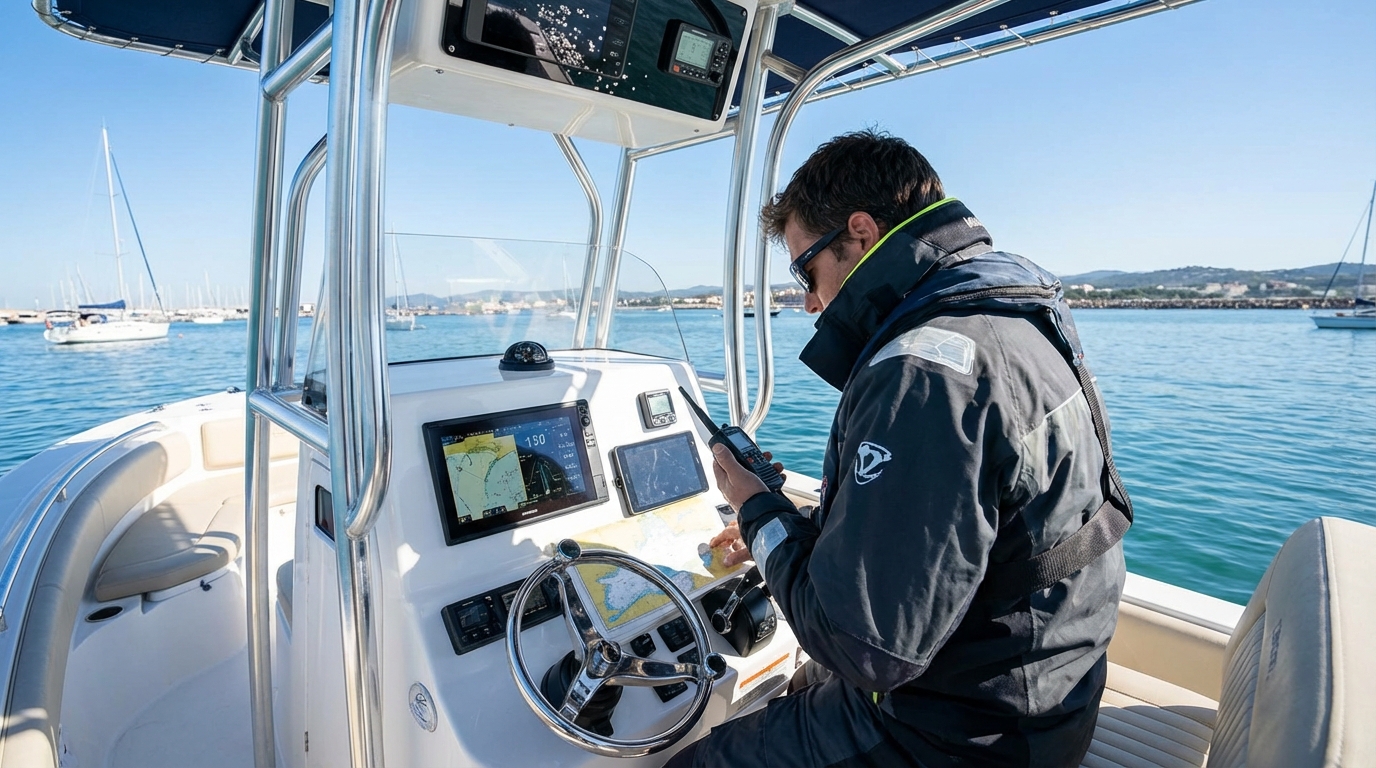
Maintenance Checklist:
- Antenna Connection: Inspect the PL-259 connector at the back of the radio for green corrosion or moisture.
- Voltage Check: Use a multimeter to ensure the radio is receiving a full 12.6 to 13.8 volts from your battery bank.
- Seal Integrity: For handhelds, ensure the rubber gaskets around the battery and charging port are clean and intact.
- Speaker Health: Clear any salt crust from the speaker grill to maintain audio volume.
- Emergency Battery: If you use a handheld, always carry a spare tray of alkaline batteries or a fully charged backup lithium pack.
If you notice your range has decreased significantly, the culprit is almost always the antenna or the coaxial cable. A tiny nick in the cable jacket can allow saltwater to wick up the copper braiding, destroying the cable’s ability to transmit a signal. Periodic marine VHF radio reviews can help you decide when it is time to upgrade an aging system for newer, more efficient hardware.
Avoid Common VHF Communication Mistakes
The most frequent mistakes in VHF use involve channel congestion, poor microphone technique, and failure to monitor Channel 16. New boaters often treat the VHF like a cell phone or a CB radio, forgetting that it is a shared public resource used for safety. Avoiding these pitfalls will make the water safer and more pleasant for everyone.
- “Stepping” on others: This happens when you transmit while someone else is already speaking. Always listen for a few seconds before pressing the PTT button.
- Holding the mic too close: This causes “clipping” and muffled audio. Hold the microphone about 2 to 3 inches away from your mouth and speak across it, not directly into it.
- Using 16 for long chats: As mentioned, Channel 16 is for hailing only. Once you reach your party, move to 68, 69, or 72 immediately.
- Leaving the squelch open: If you hear constant static, your squelch is too low. If you can’t hear anything at all, it might be too high. Adjust it until the noise stops, then leave it.
- Forgetting to say “Out”: Without the pro-word “Out,” other boaters won’t know you are finished with the channel, leading to awkward silences and wasted airtime.
Remember that VHF signals can travel a long way, especially over water. A casual conversation on a “high power” setting can be heard by hundreds of boaters. Keeping your communication professional and brief ensures that the channels remain open for those who might actually be in a life-threatening situation.
Master Specialized Radio Features
Advanced marine radios often come with features like Dual-Watch, Tri-Watch, and weather alerts that significantly improve your situational awareness. Dual-Watch allows the radio to scan back and forth between Channel 16 and one other channel of your choice. This is perfect for listening to a fishing tournament on Channel 72 while still maintaining a safety watch on 16.
- Tri-Watch: Monitors Channel 16, Channel 09, and one user-selected working channel simultaneously.
- Weather (WX) Channels: Most radios have a dedicated “WX” button to access NOAA weather broadcasts. Many also have a “Weather Alert” feature that will automatically beep if a severe storm warning is issued for your area.
- Scan Function: This cycles through all programmed channels to see where the activity is. Use this sparingly, as it can be distracting.
- Noise Canceling: High-end microphones use dual-element technology to filter out wind and engine noise, ensuring your voice is heard clearly even at full throttle.
According to a guide to using VHF marine radio, mastering these secondary features allows you to stay informed without needing to constantly fiddle with the dials. For instance, setting your radio to “Weather Alert” mode can give you a crucial 15-minute head start to find shelter before a squall hits, which is far more effective than just looking at the sky.
FAQ
What is the most important channel on a VHF radio?
Channel 16 is the most important channel because it is the international frequency for distress, safety, and calling. All vessels equipped with a VHF radio are required to monitor this channel whenever the radio is turned on and not in use on another channel.
Can I use a handheld VHF radio from my car?
No, you cannot legally or effectively use a marine VHF radio from a car on land unless you have a specific coastal station license. These frequencies are strictly reserved for maritime use, and transmitting from land can interfere with critical ship-to-shore communications.
How do I get an MMSI number for my DSC radio?
In the US, you can obtain an MMSI number through organizations like BoatUS or the United States Power Squadrons for a small fee (or free for members). If you plan to travel to international waters, you must apply for a Ship Station License through the FCC to receive a globally recognized MMSI.
Is it legal to use a VHF radio to call a marina for a slip?
Yes, it is legal and standard practice to call marinas on the VHF. Marinas usually monitor Channel 16 or 09, but they will often have a designated “working channel” listed in cruising guides (commonly 66A, 68, or 71) for handling dockage requests.
How far will my VHF radio transmit?
Transmission range is primarily determined by antenna height, but generally, a 25-watt fixed radio can reach 15 to 25 miles, while a 5-watt handheld radio is limited to about 3 to 8 miles. Because VHF is line-of-sight, the curvature of the earth eventually blocks the signal.
Practice Makes for a Safer Voyage
Learning how to use a VHF marine radio is a skill that requires both technical knowledge and “on-the-water” intuition. The radio is more than just a piece of electronics; it is a vital safety tool that connects you to a network of fellow mariners and professional rescuers. By maintaining your equipment, respecting the protocols of Channel 16, and properly utilizing DSC technology, you ensure that help is always just a button-press away. At VHF Radio (also known as Marine Guide), we recommend practicing your radio protocols every time you head out. Start with a simple radio check, move to a working channel for a quick “hello” to a friend, and always keep your ears open for the safety of those around you. Your voice on the radio is your presence on the water—make sure it is clear, professional, and ready for any situation.
📅 Last updated: